Map Server
Installing the external map server used by the navigation display.
The map server provides map tile data to the aircraft's navigation display. Due to simulator limitations, this runs as an external process and serves the images to the avionics via a WebSocket. The server will use your integrated graphics device, if one is available, and then fallback to your primary graphics device.
Installation
With the simulator closed, unzip map-server-400.zip or map-server-1200.zip into a directory of your choosing, and then simply run the map-server.exe file. This will open and immediately close a terminal window; this is the expected behavior.
The executable will modify your simulator's exe.xml file to launch the map server automatically when the simulator starts. The executable will automatically close when the simulator shuts down, but can also be manually closed.
Resolutions
At higher zoom levels, the map will look identical as it uses a lower LOD to reduce memory usage. The resolution only makes a noticeable difference when your range is set below 5 nautical miles.
| 400 res | 1200 res |
|---|---|
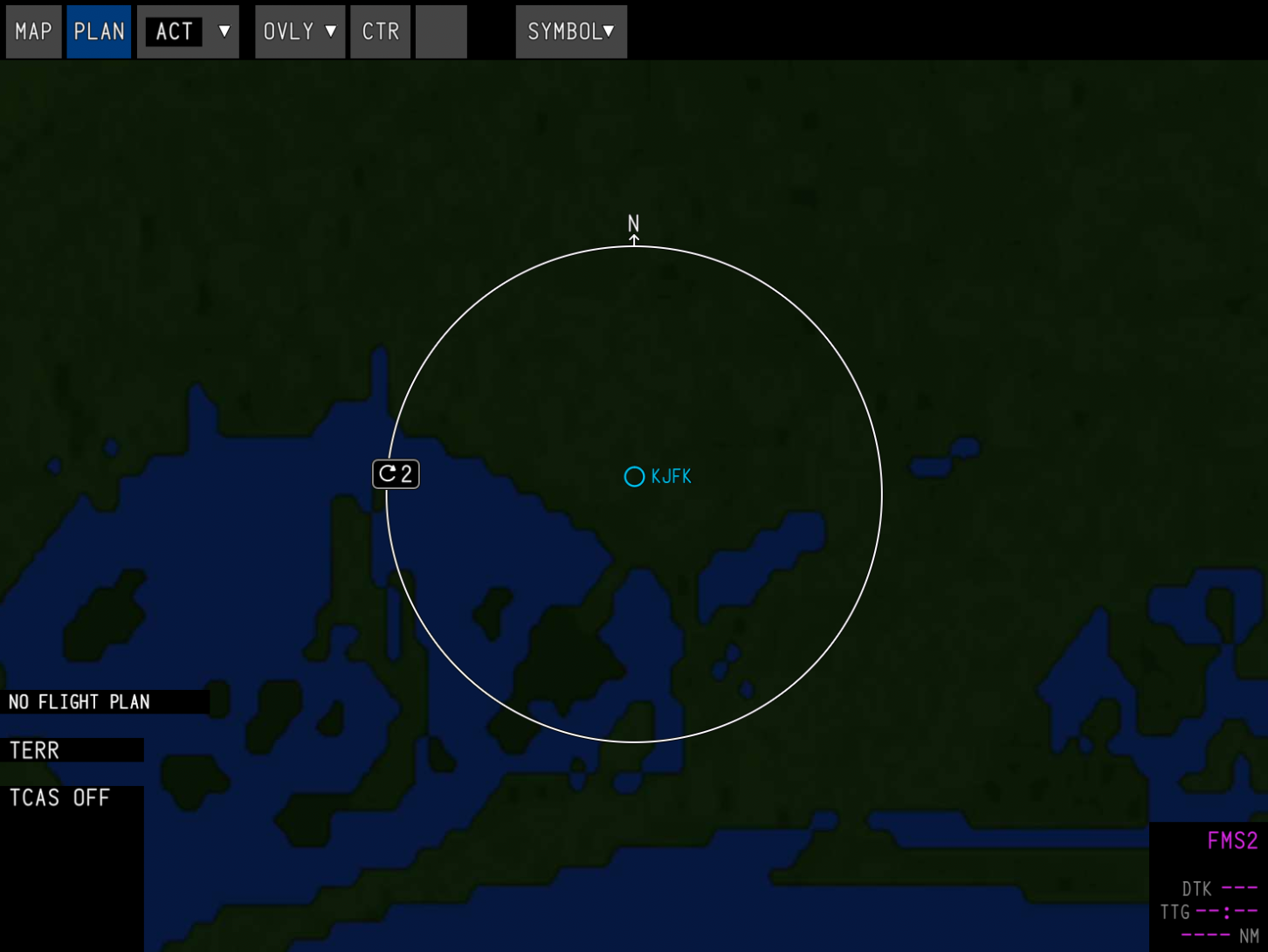 | 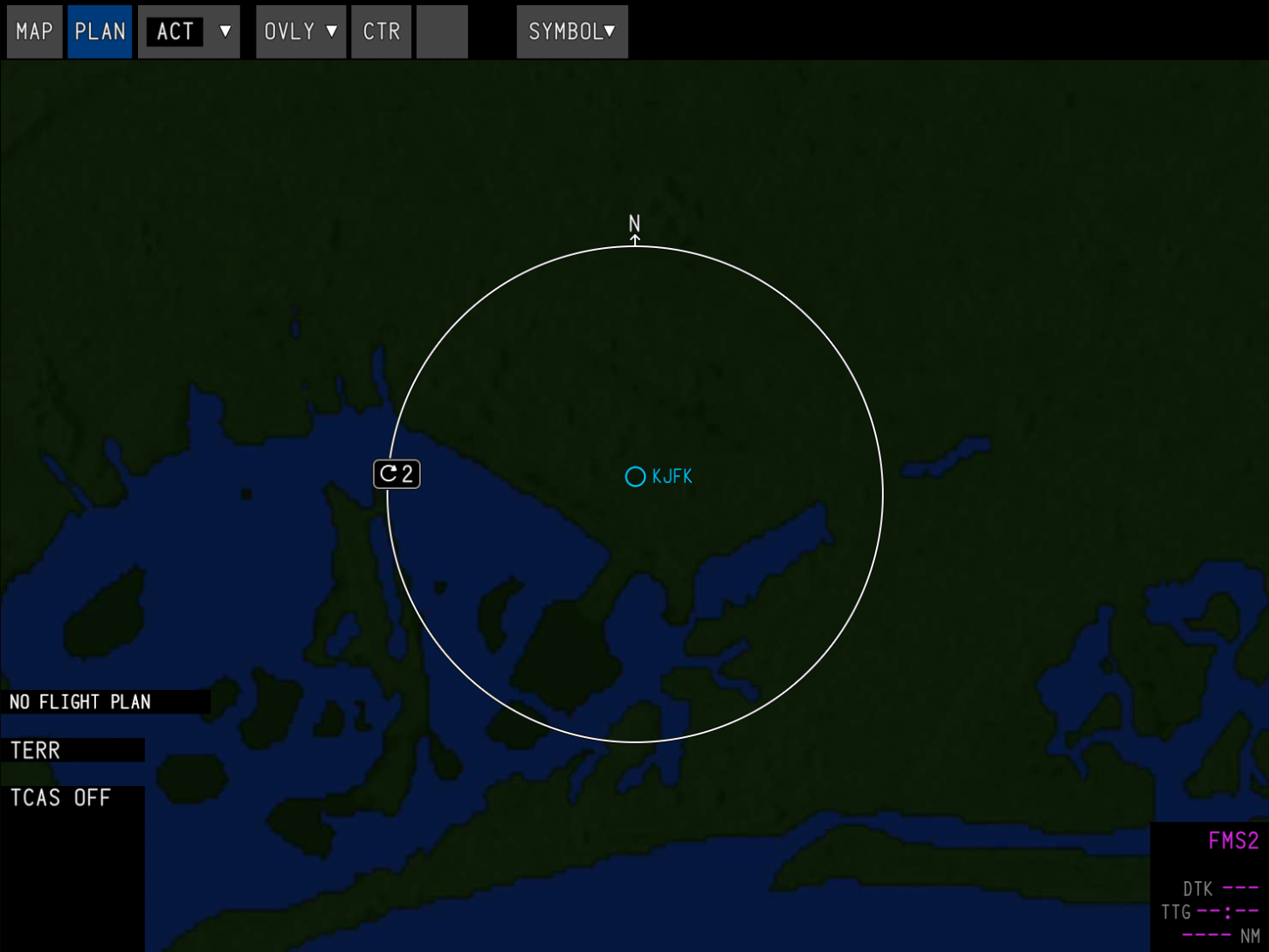 |
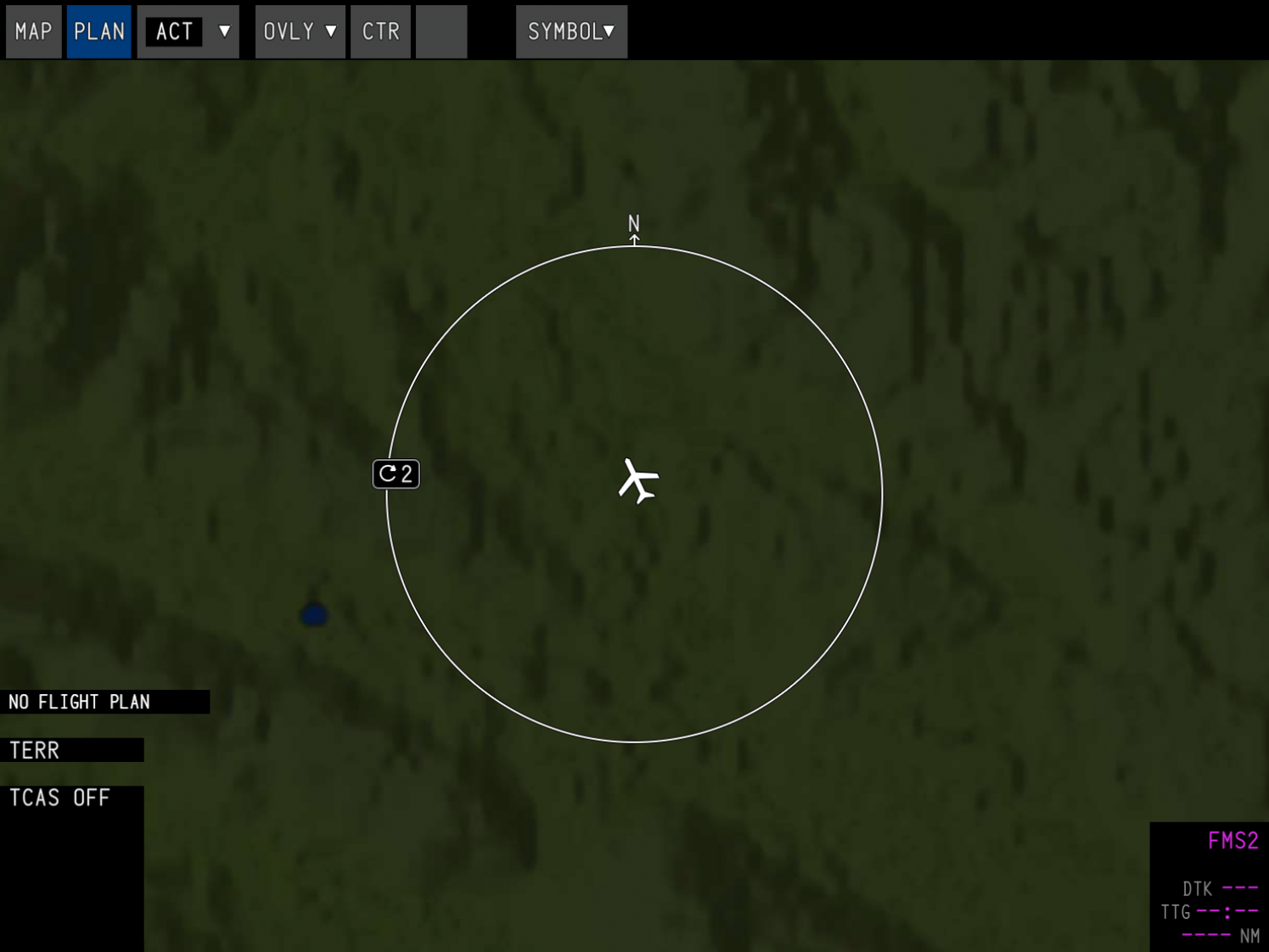 | 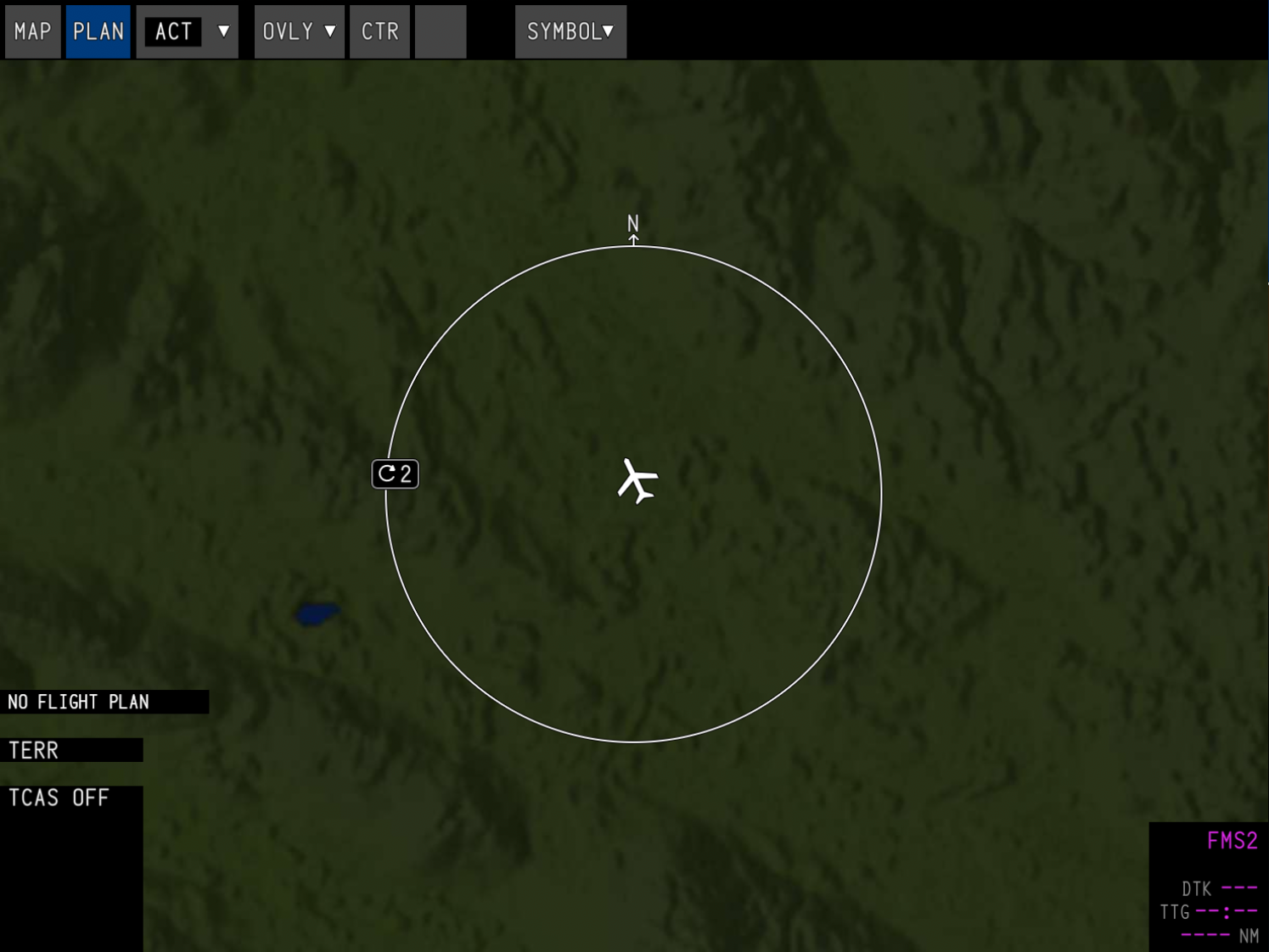 |